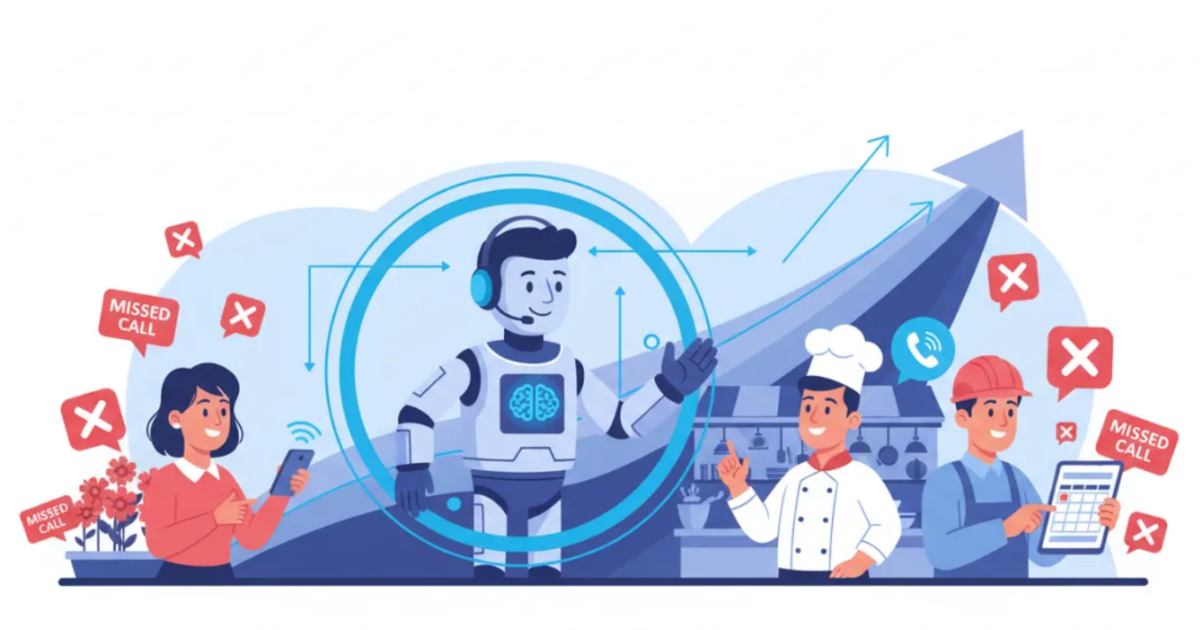
An AI receptionist reduces missed calls by answering when your team cannot.
That includes calls that come in after hours, during lunch, while employees are busy, on weekends, or when several customers call at once.
I sell AI receptionists and AI automations to small businesses, so I have a financial interest in this topic. I want to be clear about that upfront.
I also spend a lot of time talking with business owners about their phones, front desks, appointment flow, and the calls that slip through the cracks.
My honest opinion is not that every business should replace its receptionist with AI.
The strongest use case is much simpler.
Use AI to cover the calls your current team is already missing.
For appointment-based and service businesses, that can mean more captured leads, more booked appointments, fewer interruptions for staff, and fewer customers calling a competitor because nobody answered.
What Small Businesses Used Before AI Receptionists
Before AI receptionists became widely available, most small businesses relied on a few common options.
Voicemail
Voicemail is still the default for many businesses.
The problem is that callers do not always leave a message.
A customer may be calling because they need an appointment, a quote, an answer, or urgent help. If nobody picks up, many people will simply move on to the next business.
Voicemail records the missed opportunity. It does not recover it.
Live Answering Services
A live answering service can work well, especially when callers need empathy, judgment, or a natural human conversation.
But cost often rises with call volume, service level, and coverage hours.
Some services also use agents who are answering calls for many different businesses. They may follow a basic script, but they may not understand the company well enough to answer detailed questions.
Live answering is useful. It is just not always the most affordable or flexible option for a small business.
Owners and Employees Answering Calls Themselves
This is the most common setup I see.
The owner answers when available. Employees answer when they are not helping customers. Everyone tries to pick up when the phone rings.
It works until the business gets busy.
Calls are missed during:
- Appointments
- Lunch breaks
- Meetings
- Jobs in the field
- Evenings
- Weekends
- High-volume periods
- Staff shortages
- Sick days
The hidden cost is not only lost business. It is constant interruption.
Every time an employee stops what they are doing to answer the phone, something else gets delayed.
Accepting Missed Calls as Normal
Some business owners treat missed calls as part of being small.
They know calls are being lost, but they assume hiring another person is the only solution.
That is the expensive mistake.
A missed call is not always a missed sale. But every unanswered call has some probability of turning into lost revenue.
How an AI Receptionist Reduces Missed Calls
The technology is not magic.
It solves a basic coverage problem.
It Answers Quickly
Instead of letting the phone ring until voicemail picks up, an AI receptionist can answer within the first few rings.
That gives the caller a better chance of getting help before hanging up.
Speed matters because most callers are not comparing your phone system. They are trying to solve a problem.
The business that responds first often has the advantage.
It Handles Multiple Calls at Once
A human receptionist can only speak with one caller at a time.
An AI receptionist can handle several conversations simultaneously, depending on the provider and system setup.
This matters during busy periods.
A dental office may receive several calls first thing in the morning. A plumbing company may get multiple calls after a storm. A salon may get a rush of appointment requests before the weekend.
Without additional coverage, some of those callers go to voicemail.
With AI, more of them can be answered at the same time.
It Provides After-Hours Coverage
AI receptionists can answer during nights, weekends, holidays, and other times when staff are unavailable.
This is especially useful for businesses where customers do not only call from nine to five.
Home-service customers may call after work. Patients may call during the evening. Prospects may look for providers on weekends.
Those calls still have value, even when the office is closed.
It Can Work With Your Existing Phone Number
In many cases, a business does not need to replace its current phone number.
Calls can be forwarded or routed to the AI:
- Full time
- After hours
- When the line is busy
- After a certain number of rings
- When no employee is available
This gives the business control over when the AI steps in.
I usually prefer this hybrid approach.
Let the human team answer when available. Let the AI cover the gaps.
It Captures Information Instead of Sending Callers to Voicemail
An AI receptionist can collect useful information during the conversation.
That may include:
- Caller name
- Phone number
- Email address
- Reason for calling
- Service needed
- Preferred appointment time
- Location
- Urgency
- Questions for the team
This gives the business something actionable.
Even when the AI cannot fully resolve the call, it can capture the information needed for a useful follow-up.
It Can Book Appointments
When connected to a calendar or scheduling system, an AI receptionist can offer available times and book appointments during the call.
This removes friction.
The caller does not need to leave a message, wait for a callback, check availability later, and go back and forth with an employee.
The appointment can be booked while interest is still high.
That is one of the biggest reasons businesses use this technology.
The strongest benefit is simple.
It turns more unanswered calls into captured leads, useful messages, or booked appointments.
A Practical Example From a Dental Office
A small dental office may have one receptionist handling front-desk tasks, checking in patients, managing paperwork, collecting payments, and answering the phone.
When the receptionist is helping someone in person, incoming calls may go unanswered.
The same thing happens after 5 p.m. and on weekends.
Hiring another full-time employee only to cover those gaps may not make financial sense.
An AI receptionist can step in and handle routine calls by:
- Booking standard appointments
- Explaining office hours
- Answering basic service questions
- Collecting insurance information
- Taking messages
- Routing urgent calls
- Sending complicated questions to the staff
The AI does not need to replace the existing receptionist.
It handles the calls that would otherwise go unanswered.
That is the model I believe makes the most sense for most small businesses.
AI for coverage. Humans for judgment.
What Missed Calls May Be Costing Your Business
Most business owners underestimate the financial value of missed calls.
The simplest way to estimate the cost is:
Missed calls multiplied by the percentage of qualified callers, multiplied by the close rate, multiplied by the average customer value.
Suppose a business misses 20 calls per month.
Assume:
- 50 percent are qualified prospects
- 30 percent of qualified prospects become customers
- One new customer is worth $1,000
The estimated lost revenue would be $3,000 per month.
The math looks like this:
20 missed calls multiplied by 50 percent qualified, multiplied by a 30 percent close rate, multiplied by $1,000 in customer value.
That does not mean every missed call is worth $1,000.
It means each missed call has an expected value based on the percentage of callers who would have become customers.
This is the number that matters.
Do not compare the cost of an AI receptionist with zero.
Compare it with the expected cost of continuing to miss qualified calls.
The Honest Downsides of AI Receptionists
I sell this technology, but I do not think it is perfect.
There are real limitations.
Some Callers Will Notice
Voice quality has improved quickly, but some customers can still tell they are speaking with an AI system.
Some callers will not care.
Others may prefer a human.
The experience depends heavily on the quality of the voice, script, training data, response time, and setup.
Complex Calls Still Need People
AI works best with predictable conversations.
Examples include:
- Booking appointments
- Answering common questions
- Taking messages
- Collecting basic information
- Qualifying leads
- Routing calls
- Confirming availability
It is less effective when the caller is angry, emotional, confused, or dealing with an unusual situation.
Those calls need a human handoff.
A good system should know when to stop trying to solve the problem and transfer or escalate the conversation.
Poor Setup Creates Poor Results
An AI receptionist is only as good as the information and rules behind it.
If a business gives the system outdated hours, unclear instructions, bad routing rules, incomplete service information, or weak scripts, the experience will suffer.
This is where many businesses get disappointed.
They install the tool, spend very little time configuring it, and expect perfect results immediately.
That is not realistic.
The system needs to be trained around the actual business.
It May Not Fit Every Brand
Some businesses sell a high-touch, deeply personal experience.
Luxury services, private advisory firms, certain medical practices, and relationship-driven professional services may prefer a human-first approach.
AI can still help with overflow or after-hours coverage, but it may not be the right primary point of contact.
The decision should match the brand, customer expectations, and value of the conversation.
The Best Way to Start
Do not ask the AI to handle everything on day one.
Start with the easiest calls to standardize.
That may include:
- Appointment booking
- Office hours
- Service-area questions
- Basic pricing information
- Lead qualification
- Message taking
- After-hours coverage
- Appointment confirmations
- Call routing
Keep difficult, emotional, or sensitive conversations with humans.
Then review what happens.
Look at:
- Call recordings
- Call summaries
- Booking rates
- Transfer reasons
- Questions the AI could not answer
- Customer complaints
- Missed-call reduction
- Appointments created
- Leads captured
Use that information to improve the system.
Expand the AI’s responsibilities only after the basic workflows are working reliably.
Is an AI Receptionist Worth It for Your Business?
An AI receptionist is most useful for businesses that depend on phone calls to generate appointments, estimates, consultations, or new customers.
Common examples include:
- Dental offices
- Medical clinics
- Therapists
- Plumbing companies
- HVAC companies
- Electricians
- Salons
- Spas
- Gyms
- Real estate offices
- Consultants
- Auto repair shops
- Small law firms
- Property management companies
But call volume alone does not determine whether it makes sense.
A business receiving ten highly valuable calls per month may benefit more than a business receiving one hundred low-value calls.
The better questions are:
- How many calls are being missed?
- How many missed callers are qualified?
- How often do qualified callers become customers?
- What is one new customer worth?
- What would it cost to answer those calls another way?
An AI receptionist may make financial sense when the expected value of recovered calls is higher than the cost of the system.
AI Should Strengthen Staff, Not Replace Them
My opinion is simple.
The best use of AI is not removing every human from the phone.
It is removing repetitive work and filling coverage gaps.
AI can handle routine calls, common questions, appointment scheduling, lead capture, and message collection.
Humans can focus on conversations that require empathy, judgment, negotiation, or problem-solving.
That division of labor is usually more effective than expecting either humans or AI to handle everything.
The practical model looks like this:
AI handles predictable calls.
Humans handle important exceptions.
Businesses that use AI this way can increase coverage without sacrificing the human experience where it matters most.
What to Do Next
Do not buy an AI receptionist because it sounds modern.
Run the numbers first.
Estimate:
- How many calls you miss each month
- How many missed callers are qualified prospects
- How often qualified callers become customers
- What one new customer is worth
- What you currently spend on phone coverage
Then compare the estimated lost revenue with the cost of answering those calls.
Use our free missed-call calculator to estimate how much unanswered calls may be costing your business.